
Creating A Brand Persona
Learn how to create and manage personas in CASSI. Set up a new brand profile in minutes — auto-extract your logo, colours, and voice, then assign a custom posting schedule.
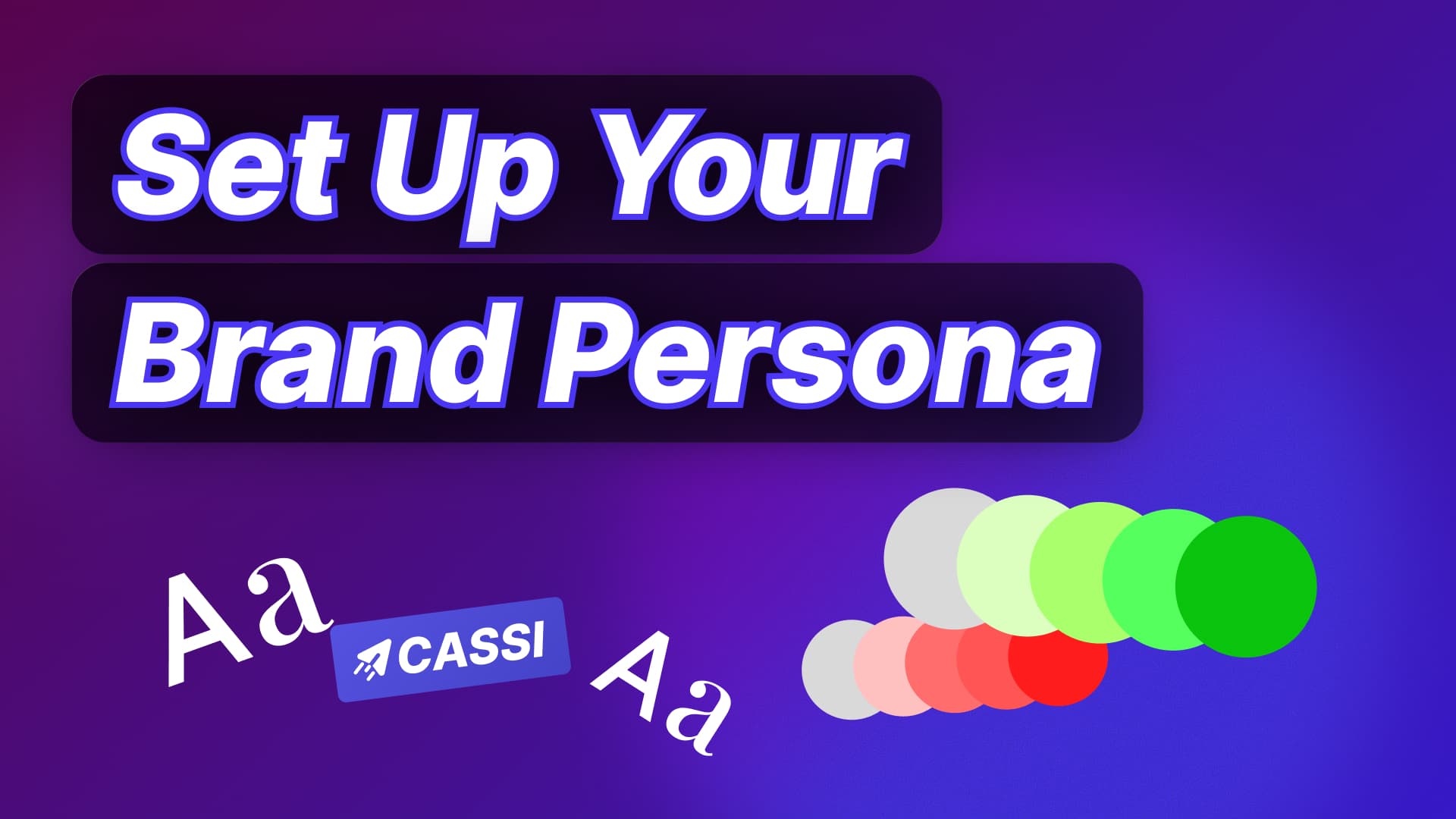
In CASSI, a persona is a brand profile that controls your tone, visuals, audience, and posting schedule. To create one: go to Personas in the left sidebar, click create, enter your website URL, and CASSI auto-fills your brand colours, logo, voice, and industry. Review and adjust each field, set which days you want posts generated, then save. You can run multiple personas from one account and switch between them anytime.
Creating A Brand Persona
Published by Alex | getcassi.ai
How to Create a Persona in CASSI
Personas let you manage multiple brands or content styles from one account. Setting one up takes about two minutes.
Step 1: Go to Personas In the left sidebar, click Personas. You'll see a list of all your existing personas here.
Step 2: Create a New One Hit the create button, give it a name, and paste in your website URL. CASSI will scan it and automatically fill in your brand colours, logos, voice, industry, and audience.
Step 3: Review and Tweak Go through each section and adjust anything that doesn't look right — remove irrelevant audience segments, refine your brand voice, update your colour palette. You can also add more specific industry tags if needed.
Step 4: Set Your Posting Schedule Each persona has its own schedule. Choose which days you want CASSI to auto-generate posts and send you reminders for that persona specifically.
Step 5: Switch Between Personas Once saved, your new persona appears in the list with its creation date. Switch to it anytime from the sidebar and CASSI will tailor everything — post suggestions, tone, visuals — to that brand.
👉 Vote for CASSI on Product Hunt
Find Us Online
- 🌐 Website: getcassi.ai
- 📸 Instagram: @get_cassi
- 🎵 TikTok: @getcassi.ai
- ▶️ YouTube: youtube.com/@get-cassi
- 💼 LinkedIn: linkedin.com/company/getcassi
- 📖 Blog & Tutorials: getcassi.ai/blog
Written by Alex — getcassi.ai